One home for kindergartens and families
Daily observations, attendance, billing and announcements - organized around each child’s own profile, and shared only with the people who should see it.
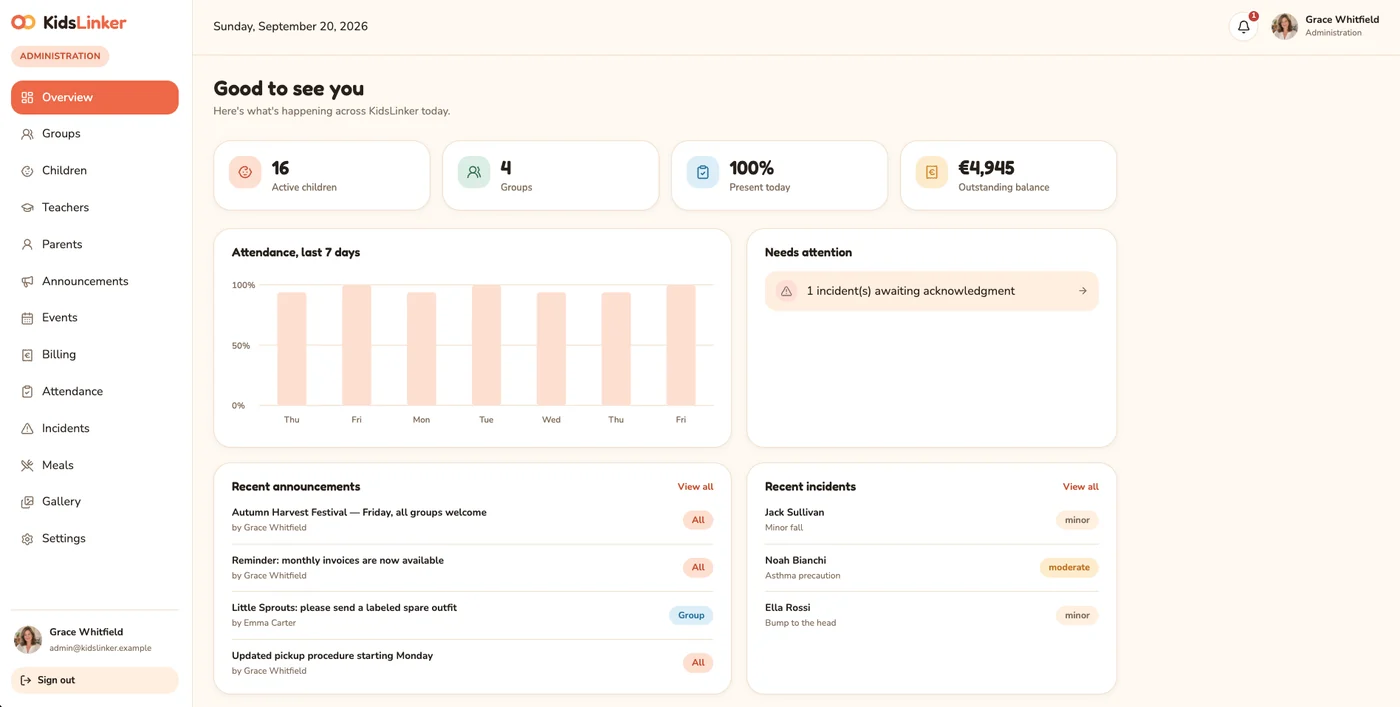
From scattered group chats to one structured record
The old way
- Announcements buried in an overloaded chat group
- Paper notices on the classroom door that half the parents never see
- No private place to record a child’s meals, sleep or mood
- Attendance tracked verbally, with no history
- Invoices handled separately from everything else

With KidsLinker
- A dedicated announcement feed with real notifications - kindergarten-wide or per group
- A structured daily feed: photos, notes and plans
- A private observation log per child, visible only to their own parents and staff
- Formal attendance with full history
- Invoices and payment status built directly into every child’s profile

Five minutes at the end of the day, and every family already knows how it went.

One notification on the way home - not forty messages to scroll back through.
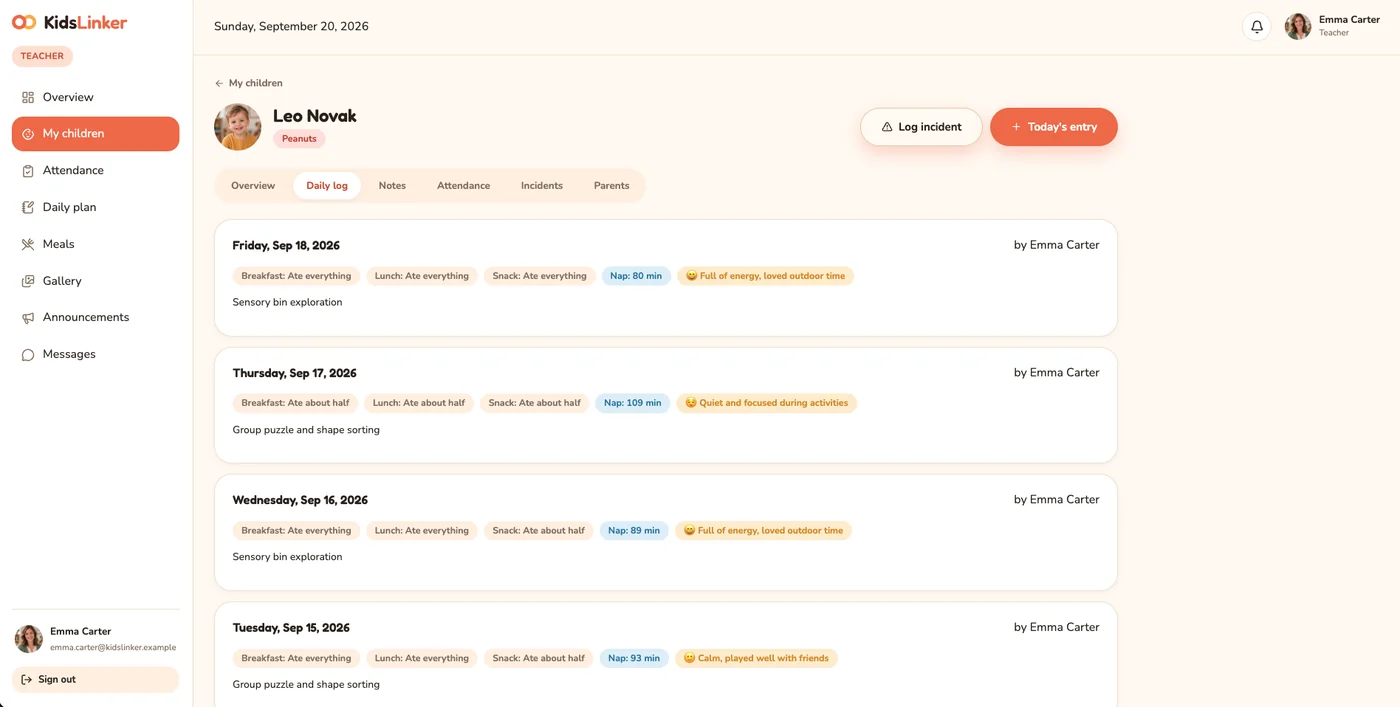
Every child has one profile. Every role sees it from their own angle.
Basic details, medical information, daily observations, private teacher notes, attendance and billing all live in one place. Administration sees everything, teachers see their own group, parents see only their own children.
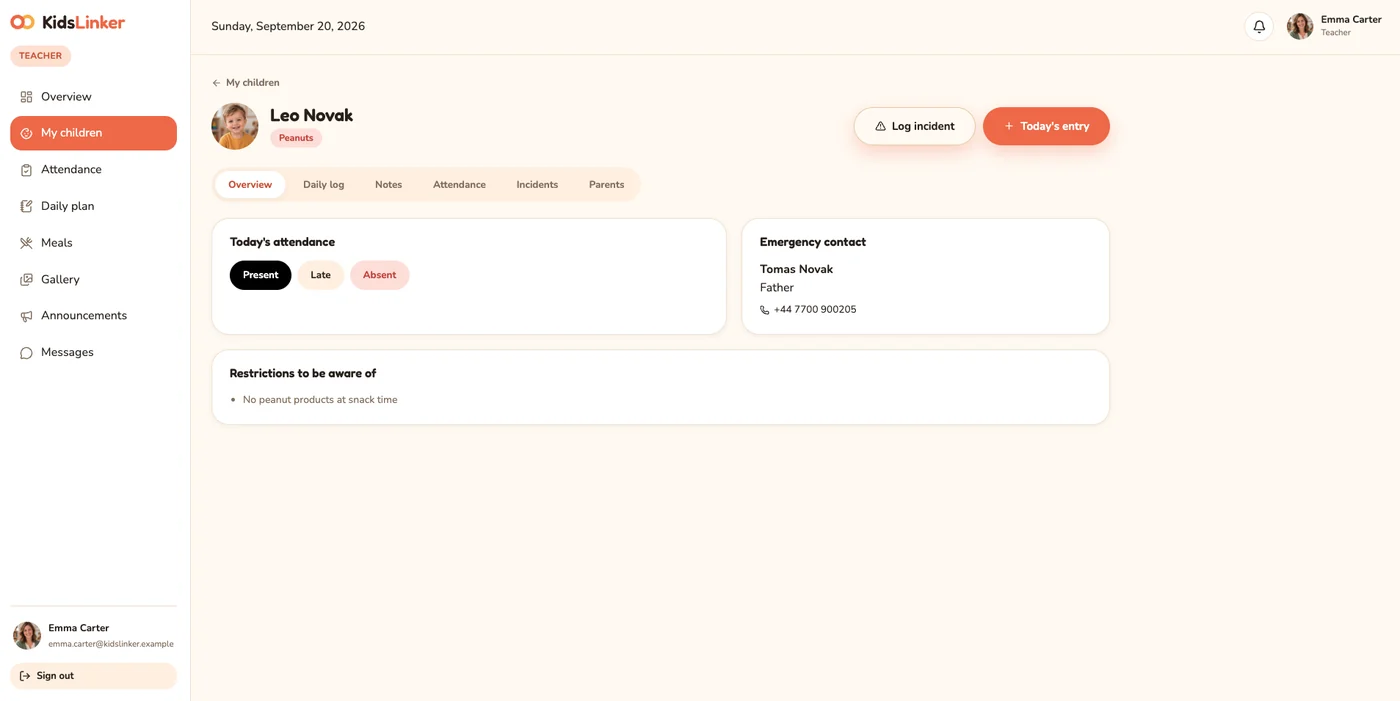
Everyone gets exactly what they need - nothing more
Full oversight of the whole kindergarten
- Groups, enrollment and staff accounts
- Kindergarten-wide announcements and events
- Billing and payment tracking
- Attendance and incident reports
Everything needed to run a group, day to day
- Daily observation log for every child
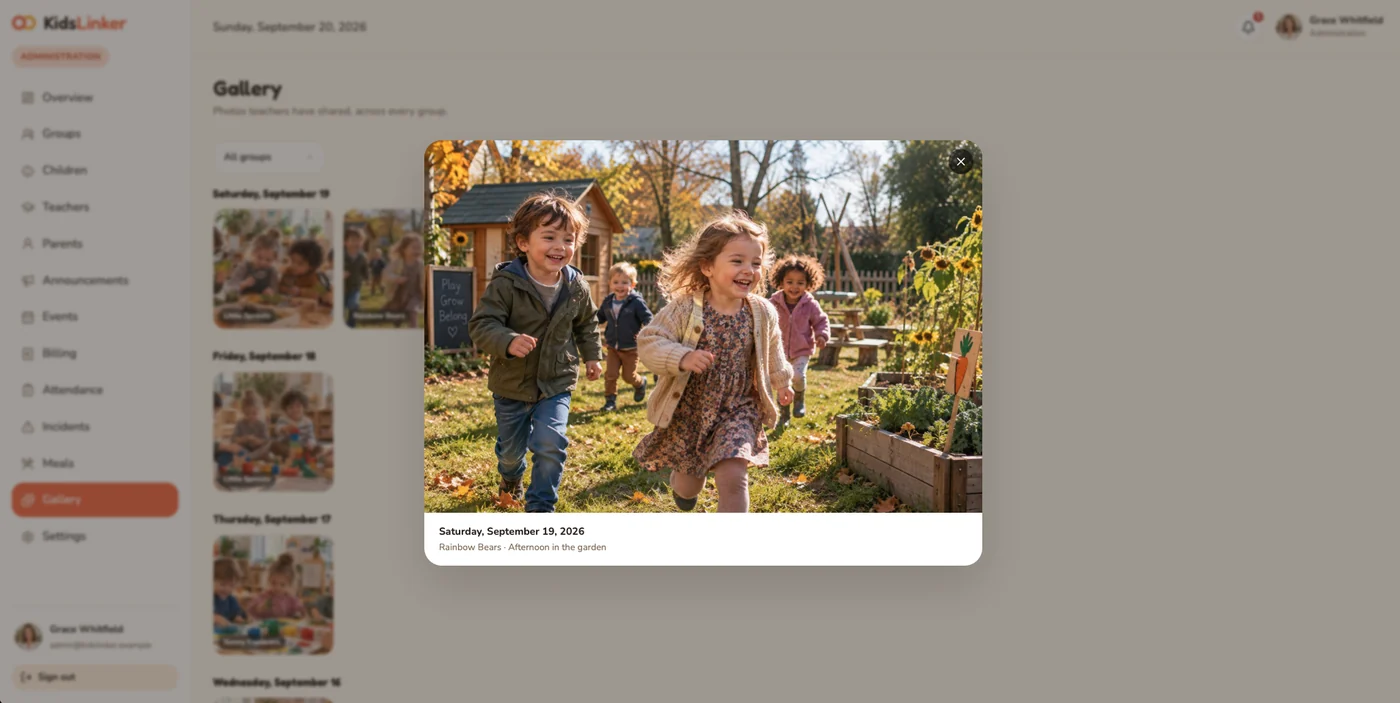
- Photo reports from the group’s day
- Attendance confirmation and incident alerts
- Private notes and messages to parents
A calm, chronological feed for their own child
- Daily feed: photos, meals, sleep and mood
- Mark absences in advance
- Invoices and payment history
- Direct messages with the teacher
One login covers the whole kindergarten day
Questions we get from directors
Administration creates them directly, and every person gets their own login. A family can also send a request straight from the sign-in page, which lands in the admin’s queue for approval, so access always stays in the kindergarten’s hands.
Yes. Each parent or guardian gets their own login and their own view of the same child profile. Every linked adult sees only their own children, never anyone else’s.
Yes, and one login covers all of their groups. They only ever see data for the groups they actually lead, so information from other groups stays out of view.
Yes. Invoices and payment history live directly on each child’s profile, next to everything else about them. Administration tracks payments in one place, and parents can check their invoices and payment history without asking anyone.
Only the people who should. Administration sees the whole kindergarten, teachers see only the groups they lead, and parents see only their own children. Each child’s observation log is private: it is visible only to their own parents and staff.
Use the Request access button on this page and leave your name, email and kindergarten name. We will review your request and get back to you by email. If you already have an account, use Sign in to open the app.

See it running with real data, today
Sign in with a demo account for any role, or request access for your own kindergarten.